
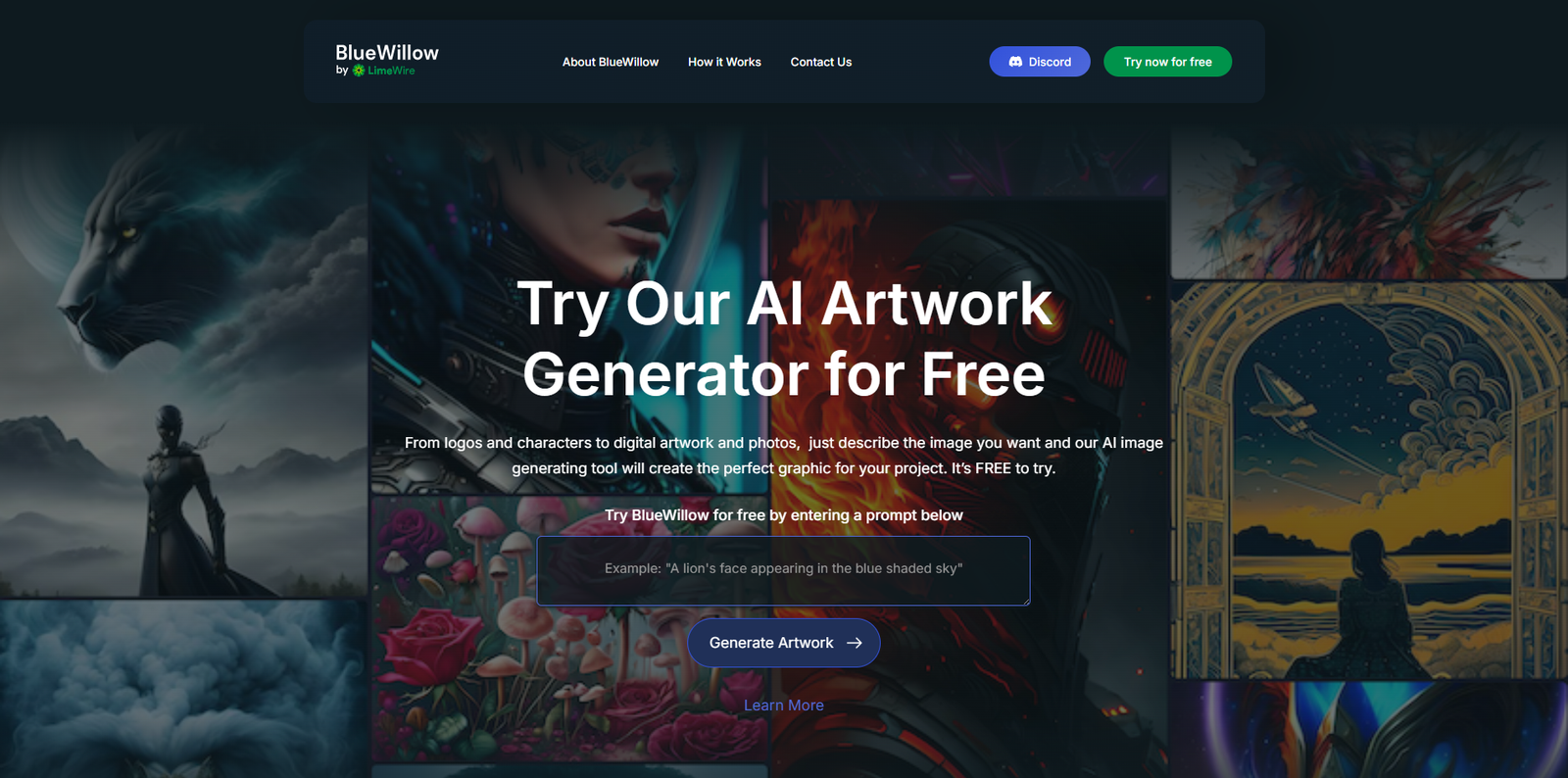
BlueWillow AI is a free text-to-image generator that creates artwork based on written prompts. Instead of requiring dedicated software or paid subscriptions, BlueWillow operates directly through Discord, making it easy for beginners and accessible to anyone with a Discord account. By entering a simple text description, users can generate a wide variety of visual styles, including logos, illustrations, realistic photos, anime artwork, and more.
How BlueWillow Works
The BlueWillow system uses advanced AI models to interpret prompts and produce related images. When a user submits a prompt, the AI typically generates four different image variations within seconds. These can then be refined further by requesting more variations or by using the built-in upscaling tool to increase image resolution. This fast, iterative workflow makes it ideal for brainstorming and creative experimentation.
User Experience and Community
One of the core strengths of BlueWillow is its active Discord community, where users can view each other’s prompts, share creations, and learn how to craft more effective descriptions. For new users, this collaborative environment provides guidance and inspiration, helping them quickly improve their prompt-writing skills. BlueWillow is widely used for digital art, concept design, branding mockups, and creative exploration across different artistic styles.
Pricing and Licensing
BlueWillow is known for offering its essential features completely free. Users can generate images without purchasing credits or subscribing to a plan. However, some advanced or high-priority features may be available under optional premium tiers. As with any AI tool, commercial usage rights and licensing terms may vary based on the most current policy, so users handling professional projects should review BlueWillow’s guidelines before using the artwork commercially.
Advantages of BlueWillow
BlueWillow offers simple onboarding because it only requires joining a Discord server. It supports a broad range of artistic styles, making it useful for many creative needs. The tool is fast, delivering multiple outputs quickly, which helps with rapid iteration. Its strong community engagement provides guidance for beginners, while upscaling and variation tools help refine and improve generated artwork. Since the base tool is free, it is particularly appealing for hobbyists, students, marketers, and designers.
Limitations of BlueWillow
Because BlueWillow runs entirely on Discord, users need a Discord account and must navigate its interface, which may not appeal to everyone. The level of control over fine image details can be more limited compared to high-end professional generators. Some licensing or commercial uses may require additional review. As a free tool, performance can occasionally fluctuate depending on server load, and image consistency may vary depending on the prompt.
Who BlueWillow Is For
BlueWillow is well-suited for content creators, bloggers, social media managers, students, and anyone needing attractive visuals quickly. It is also popular among concept artists and game designers for early-stage ideas. Entrepreneurs and marketers use it for logo drafts, product mockups, and campaign visuals. For hobbyists and new artists, it offers a fun and accessible way to explore creativity without requiring drawing skills or paid tools.
Tips for Better Prompts
For best results, BlueWillow users should write prompts that are clear and specific. Adding style keywords—such as “oil painting,” “fantasy illustration,” “photorealistic,” or “cyberpunk”—helps the AI understand the intended look. Using variations allows users to refine certain features, while upscaling improves quality for printing or design use. Observing community prompts is one of the easiest ways to learn effective prompt-writing techniques.

Reviews
There are no reviews yet.